> For the complete documentation index, see [llms.txt](https://docs.overdare.com/llms.txt). Markdown versions of documentation pages are available by appending `.md` to page URLs; this page is available as [Markdown](https://docs.overdare.com/manual/studio-manual/object/tool.md).
# Tool
## Overview
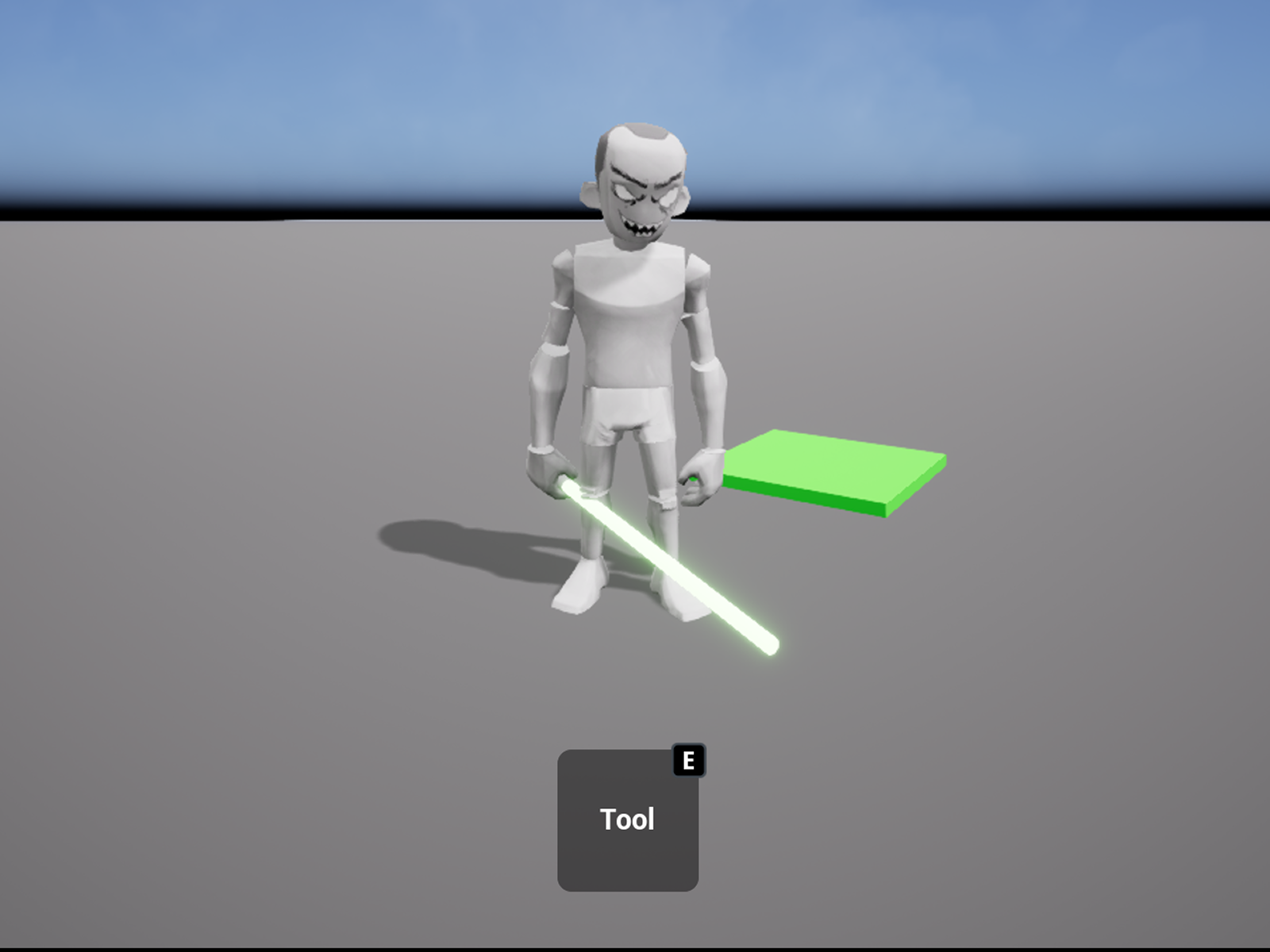
A `Tool` is an `Instance` designed to be equipped and used directly by a character. It allows characters to wield weapons or equipment, use items like potions, and interact with the game world. `Tool` interacts with the character through the process of equipping and unequipping, playing a crucial role in various gameplay scenarios.
## How Tools Work
* A `Tool` interacts directly with the character model to implement equipping and unequipping.
* Tools are equipped in the character’s **right hand**, requiring the creation of a **Handle** Part.
* While it is possible to create a Tool without a `Handle`, it can only be equipped via scripting.
* The `Handle` serves as the reference point for positioning MeshParts and other Parts within the Tool.
## Tool Properties
Below are the key properties and their descriptions:
| Property | Description |
| ------------------------ | ----------------------------------------------------------------------------------------------------------------------------------------------------------------------------------- |
| **TextureId** | Specifies the image of the Tool displayed in the Backpack GUI. |
| **CanBeDropped** | Determines whether the `Tool` is automatically dropped in front of the player when the `Tool`'s parent is changed to Workspace. |
| **Enabled** | Determines whether the player can use the Tool. If set to false, methods and events related to Tool activation/deactivation are blocked, preventing the player from using the Tool. |
| **Grip** | Currently not supported. |
| **ManualActivationOnly** | Determines whether the Tool.Activated event is only triggered when Tool:Activate() is explicitly called in a script. |
## How to Use Tools
### 1. Creating a Tool Instance
1. Create a `Tool` instance in the **Level Browser (Workspace)**.
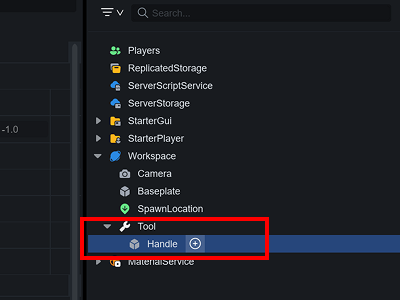
2. Create a `Part` under `Tool` and rename it to `Handle`.
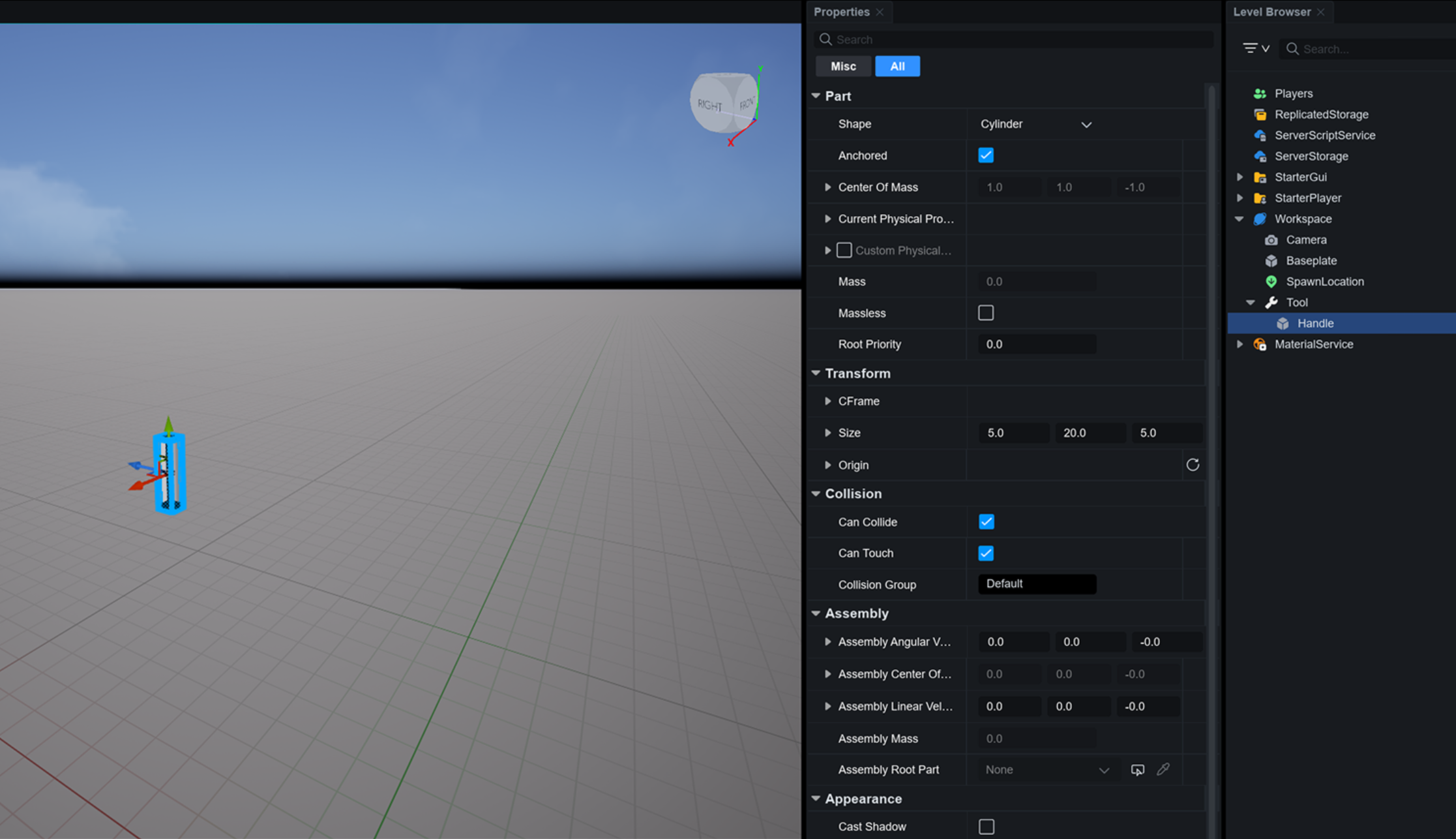
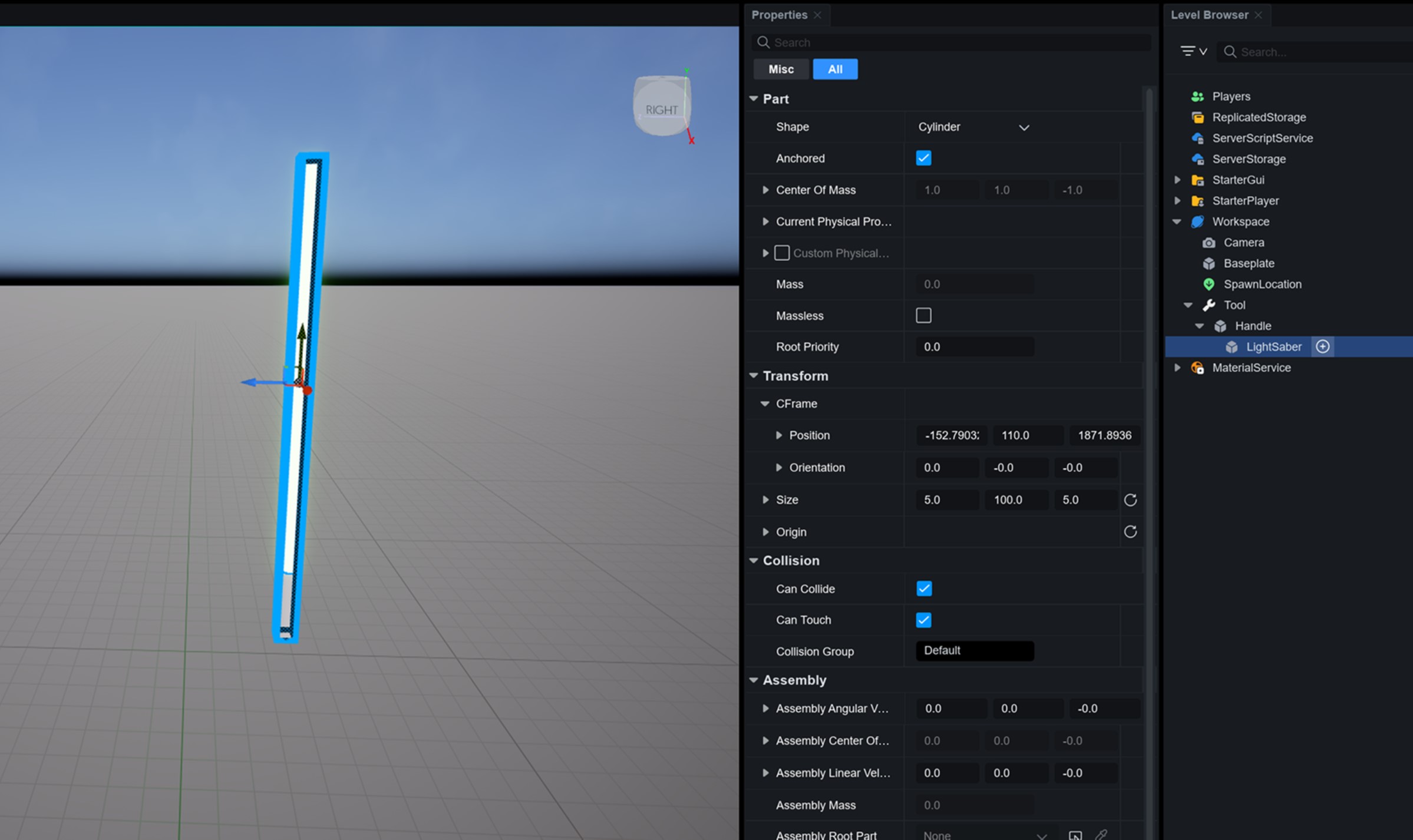
3. Place the `MeshPart` or `Part` as the tool to be held under the `Handle` and adjust its `CFrame` relative to the handle to set the correct equipping position.
### 2. Testing Tool Equipment
1. Run the game and control the character.
2. Make the character **touch** the `Tool` placed in the `Workspace`.
3. When the `Handle` is touched, the character will equip the corresponding `Tool` in their right hand.
* If the Tool is not equipped correctly, adjust the position and orientation of the `MeshPart` or `Part` under the `Handle`.
## Equipping and Unequipping Tools via Script
### When Scripting is Required
In some cases, you may want the `Tool` to be equipped only when a specific trigger or condition is met. In such cases, you can programmatically equip or unequip the `Tool` using scripts.
### Methods for Equipping Tools
You can equip a `Tool` to a character in two ways shown below using scripts:
1. Calling the **Humanoid:EquipTool** Method
* The following method allows the character to equip the `Tool` directly.
* Example Code:
```lua
local function Equip(player)
local character = player.Character
local humanoid = character:FindFirstChild("Humanoid")
local myTool = game.Workspace:FindFirstChild("MyTool")
if humanoid and myTool then
humanoid:EquipTool(myTool)
end
end
```
2. Changing the **Tool.Parent**
* You can make characters equip a `Tool` by directly changing its parent object.
* Example Code:
```lua
local function Equip(player)
local myTool = game.Workspace:FindFirstChild("MyTool")
local character = player.Character
if character and myTool then
myTool.Parent = Character
end
end
```
### Unequipping Tools
There are two main ways to unequip a `Tool`:
1. **Default Unequip**: The `Tool` is unequipped and placed back in the player’s `Backpack`.
2. **Destroy**: You can delete the `Tool` instance if it is no longer needed.
* Example Code:
```lua
local myTool = game.Workspace:FindFirstChild("MyTool")
if myTool then
myTool:Destroy()
end
```
3. **Drop**: If CanBeDropped is true, you can drop the Tool in front of the player by setting its parent to Workspace.
* Example Code:
```lua
local myTool = game.Workspace:FindFirstChild("MyTool")
if myTool then
myTool.Parent = game.Workspace
end
```
## Using Events for Tool Interactions
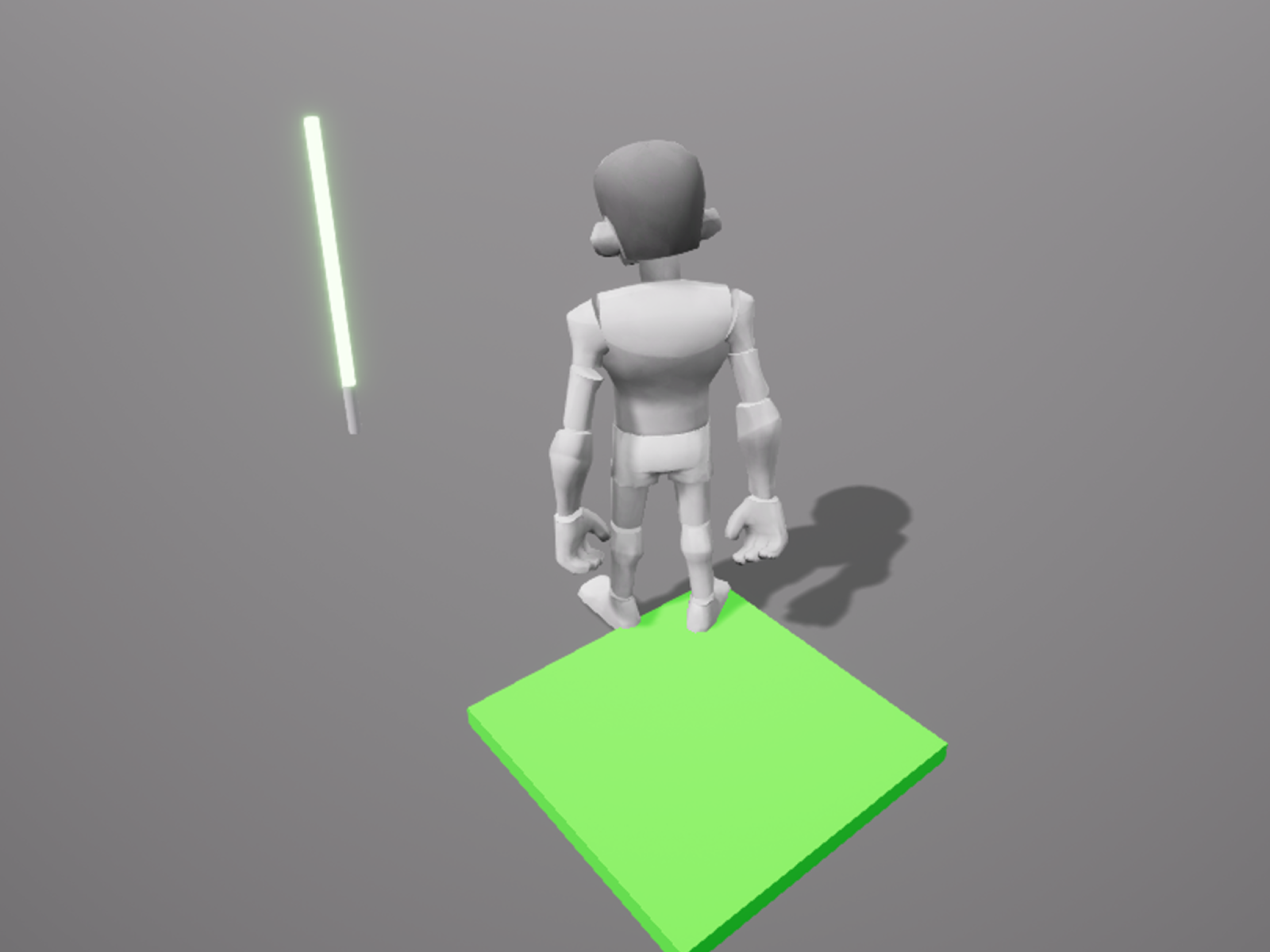
A `Tool` has various **events** that are triggered when equipped. These can be used to implement additional **visual effects (VFX)** or actions when the character equips a specific `Tool`.
1. **Create a ParticleEmitter**: Add a `ParticleEmitter` to the `Handle` or any designated part where the effect should appear.
2. **Edit ParticleEmitter Properties** : Adjust size, direction, count, and other particle settings.
3. **Disable ParticleEmitter** : Set `ParticleEmitter` Enabled to false so the effect doesn’t appear before equipping.
4. **Write a Script**: Write a script to activate the `ParticleEmitter` only when the weapon is equipped.
```lua
local Tool = script.Parent
local Emitter = Tool.Handle.LightSaber.ParticleEmitter
Tool.Equipped:Connect(function()
if Emitter then
Emitter.Enabled = true
end
end)
Tool.Unequipped:Connect(function()
if Emitter then
Emitter.Enabled = false
end
end)
```
{% embed url="" %}
.png?alt=media)
.png?alt=media)
.png)