> For the complete documentation index, see [llms.txt](https://docs.overdare.com/llms.txt). Markdown versions of documentation pages are available by appending `.md` to page URLs; this page is available as [Markdown](https://docs.overdare.com/manual/monetization/group-revenue-distribution-guideline.md).
# Group Revenue Distribution Guideline
## **Overview**
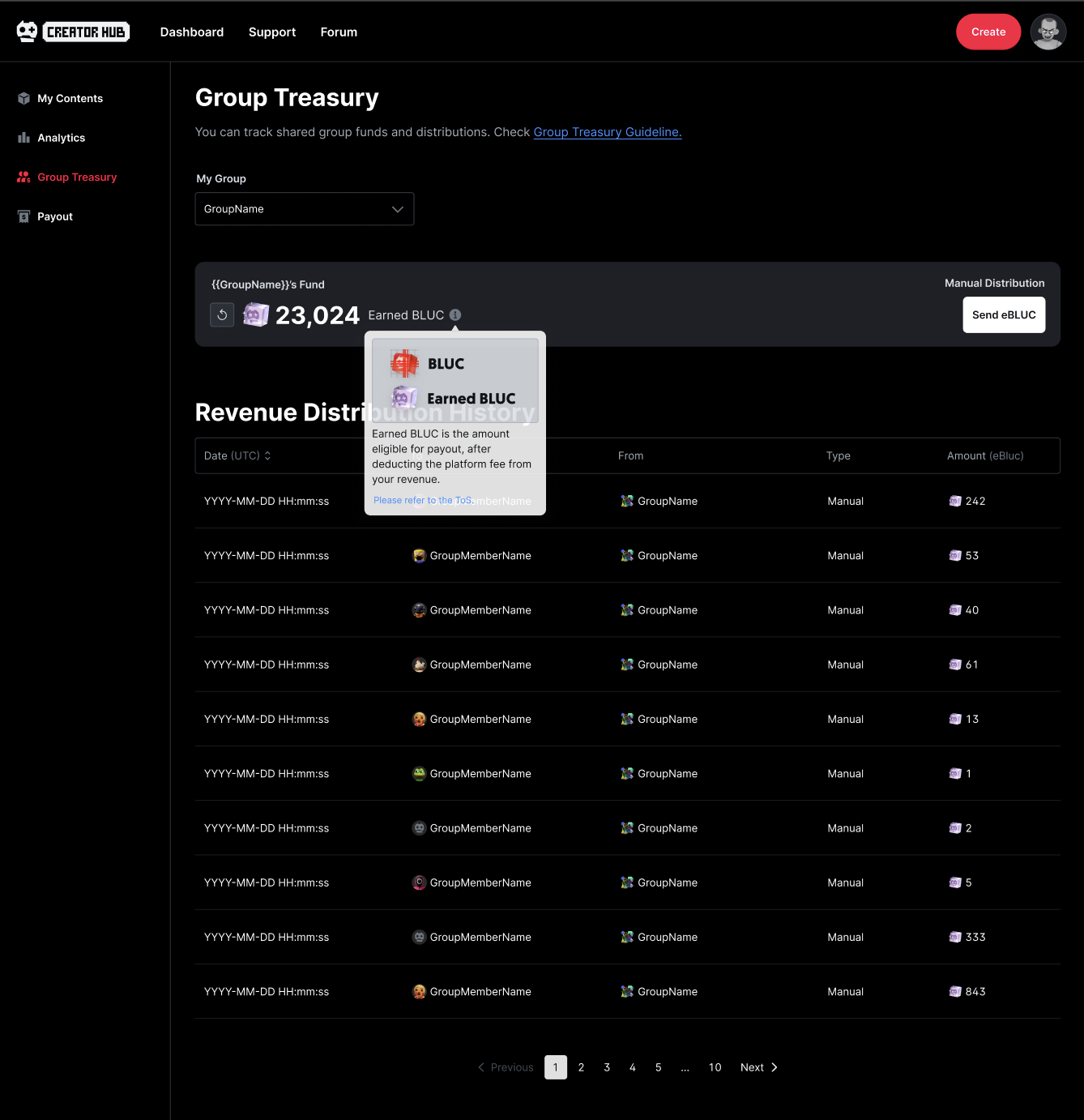
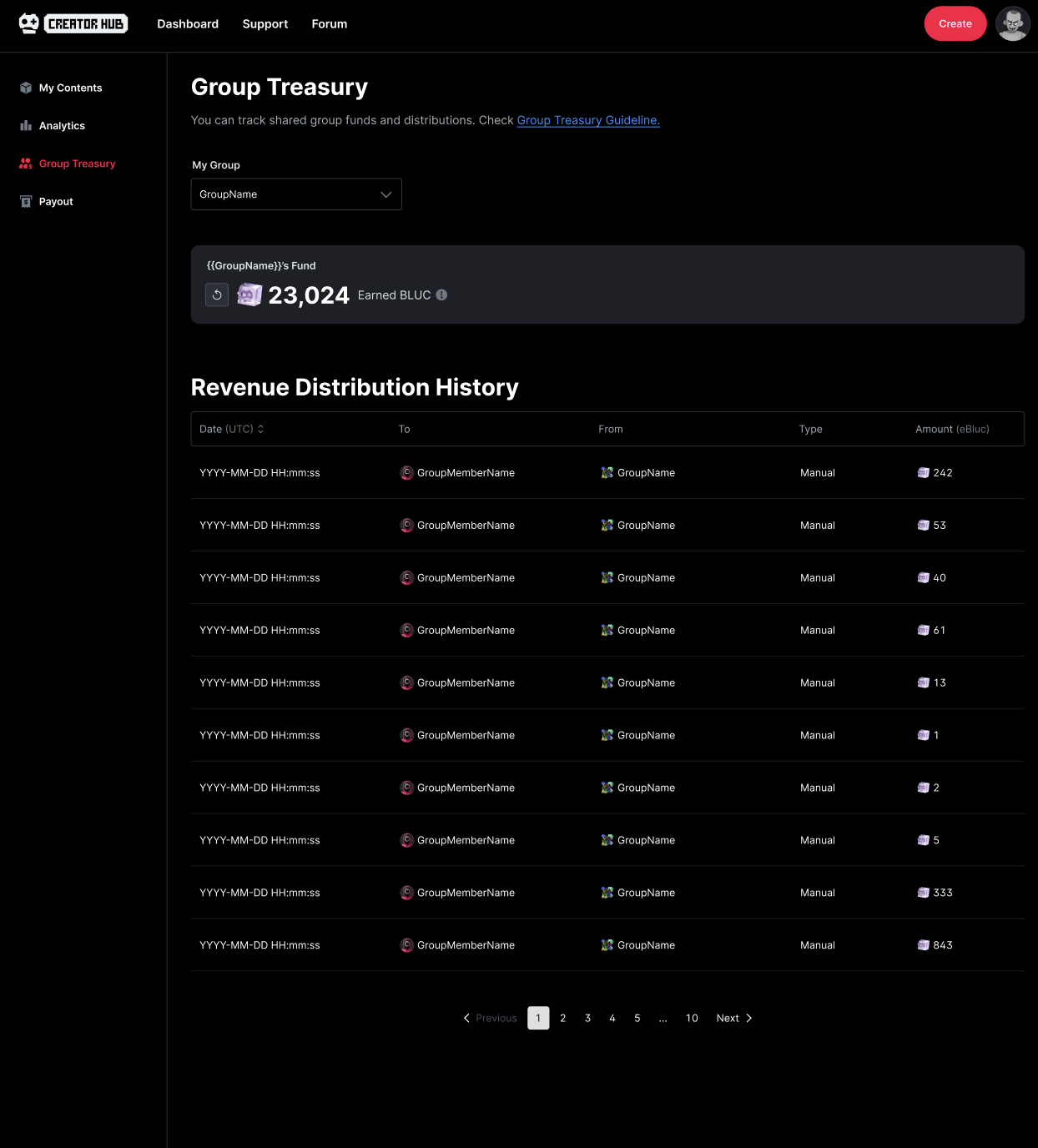
Both group owners and members can view **group funds** via the **Group Treasury menu**.
## Manage payouts
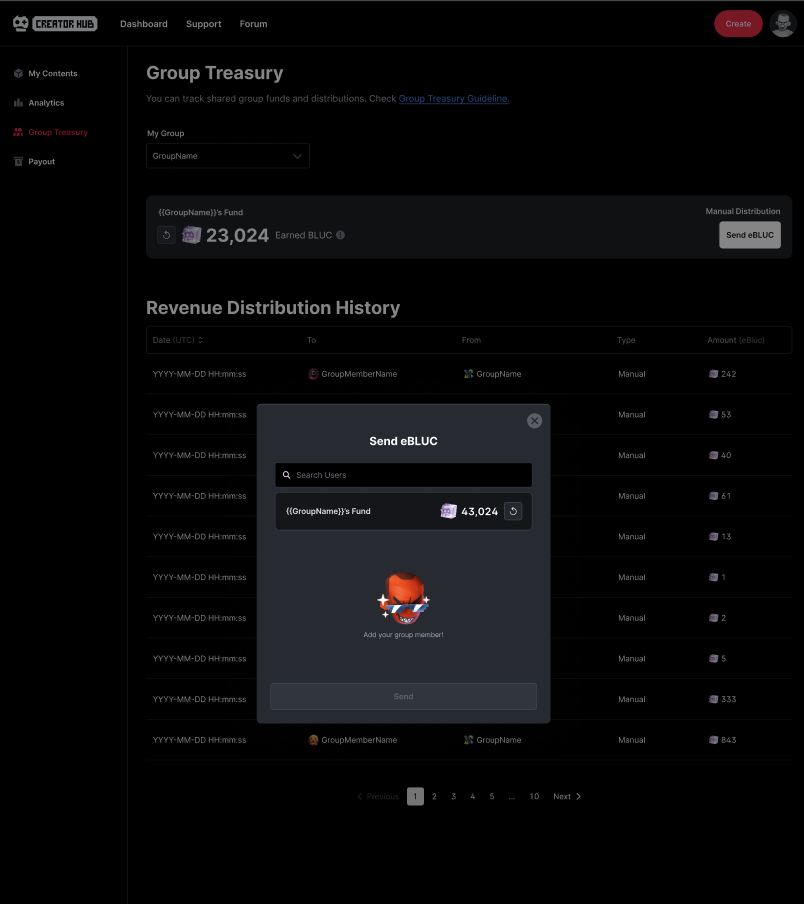
If you are the **owner of a selected group**, you can use the **Manual Distribution** feature in the Group Treasury menu to **distribute group funds** to yourself or other group members.
### Who can receive funds
* Group member for 14+ days
* Wallet registered
* Must be a current group member
## Revenue Distribution History
**Group owner** can view the full history of all distributions made within the group, while **group members** can only see records of distributions they have personally received.